
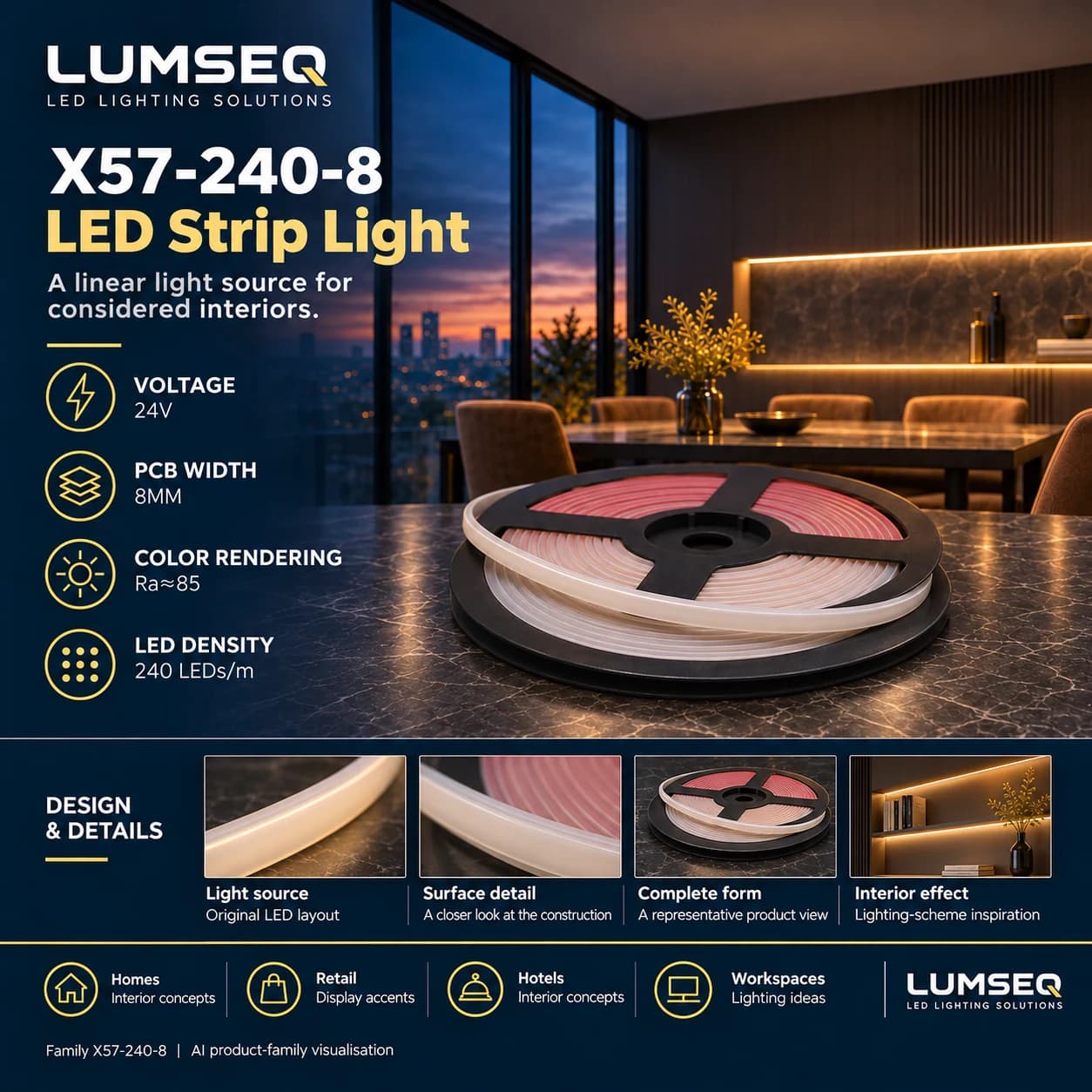
Key takeaways
- Select the exact catalogue row and a colour temperature before ordering a sample.
- Use the finished silicone profile and termination dimensions to check the shelf recess.
- Keep 100 m per reel as a packing entry and obtain the actual power-per-length and feed limits for the proposed installation.
Choose the X57-240-8 configuration for a retail shelf mock-up
Shortlist Noble X57-240-8 configuration 1 when a silicone-lens strip suits the shelf detail. For the first mock-up, pick one colour temperature and match the finished strip and end connection to the recess before freezing the joinery drawing.
Lumseq’s selected catalogue row describes a 24 V, 2835, silicone-lens LED strip with an 8 mm PCB and 240 LEDs/m. It lists Ra about 85, 1,200 lm/m and three colour-temperature options, 3000 K, 4000 K and 6500 K. The listing identifies the intended sample. The actual light line on your shelf depends on the finished assembly and viewing position.
For example, take a proposed 9 mm-wide recess. An 8 mm PCB leaves a nominal 1 mm difference against that recess width. The silicone lens, termination and cable path still need their own dimensions. Ask for the cross-section and end detail, then check the exact sample in the proposed shelf finish.
For a warm-white mock-up, ask for configuration 1 in 3000 K. Include the recess width and the location of the cable exit in the request. Keep the catalogue’s 100 m/reel entry in the packing notes. The 14 W entry lacks a stated length basis, so request confirmed power per metre and the permitted feed arrangement before choosing a driver or planning a production run.
Lumseq’s existing AI product-family visualisation of X57-240-8. The reel and interior scene illustrate the product family.
Check the silicone lens and the cable exit on the sample
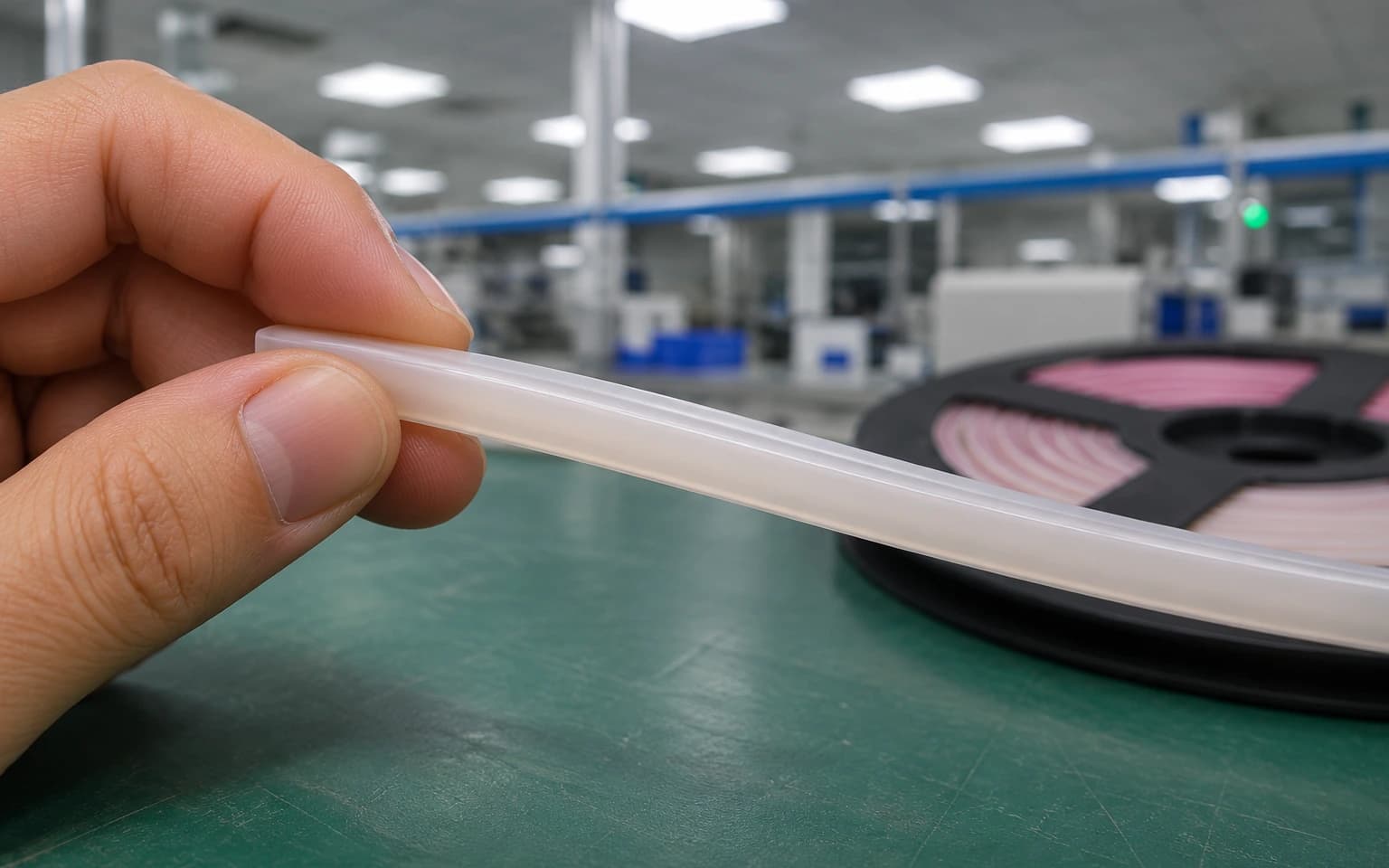
Before approving the shelf detail for Noble X57-240-8 configuration 1, check both the profile along the run and the completed end where the cable exits. The catalogue lists an 8 mm PCB. For the joinery drawing, ask for the finished width and height of the silicone profile and the space the termination and cable will occupy.
Look at the unpowered sample from the side first. With the strip aligned as shown on the installation drawing, check where the lens sits relative to the shelf lip. Then hold the sample in the proposed recess and check whether the lip covers any of the intended emitting surface in that position.
Use the feed end for a separate fit check. A straight sample can sit in the groove while its end fitting or exiting cable runs into a return panel. Ask for an offcut with the same termination as the proposed order. Lay it against the shelf end drawing, mark the cable exit, and confirm the space needed for the cable to turn without being pinched.
Record the finished profile width and height, the lens orientation, the lead exit direction and the clearance you checked. Put those notes next to the exact configuration and sample reference when you send the drawing for sign-off.
AI-generated illustration of a handheld, unpowered silicone-lens sample in a factory-style setting. Confirm the final profile and termination with the offered sample or drawing.
Check the installed light from shopper eye level
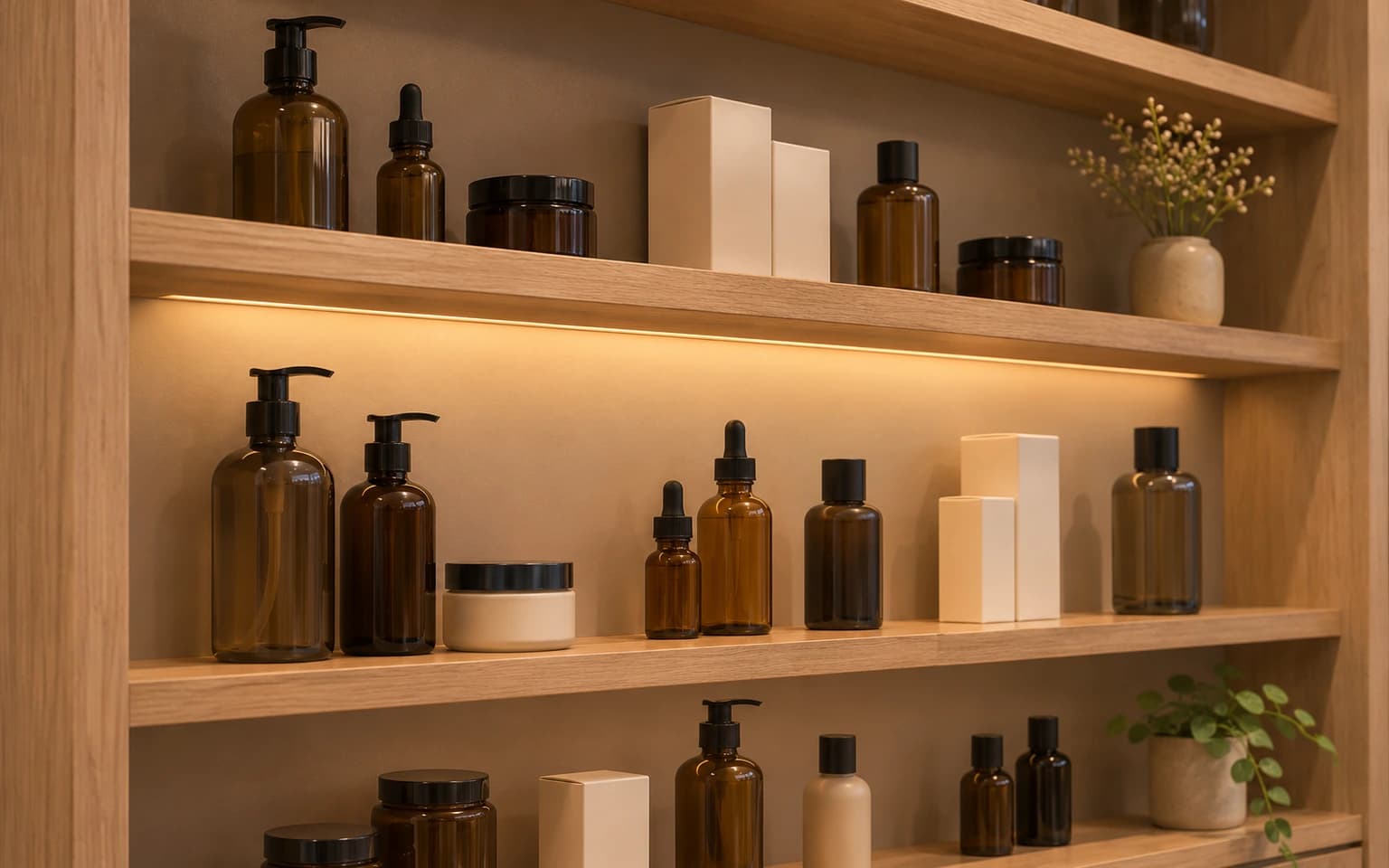
Mock up the Noble X57-240-8 under one shelf at the intended height and depth. Check that the light reaches the product fronts and that the shelf lip screens the emitting line from the main aisle without blocking its path to the goods. Test the lens in the orientation shown on the approved sample drawing.
Try a position near the front and one slightly farther back. Keep the shelf finish, product layout and ambient store lighting the same. From the aisle, look at the front row for shadows and check for a visible bright line. Then approach from an angle and crouch to see whether the source comes into view on lower shelves.
Add the actual packaging to the mock-up. A display that reads well with matte boxes can show a bright reflection in glossy labels or glass bottles. Check the reflection from the same approach route a shopper uses. If it crosses a product label, adjust the setback or aim within the approved mounting detail and compare again.
Record the chosen setback, lens orientation, shelf height and viewing positions on the joinery drawing. Photograph the sample from the same positions with the normal shop lights on. Use those views to agree the appearance before repeating the detail across the display.
AI-generated illustration of a warm under-shelf lighting concept for a retail display. Confirm the appearance in the finished joinery with the offered sample.
Plan repeated display bays before ordering
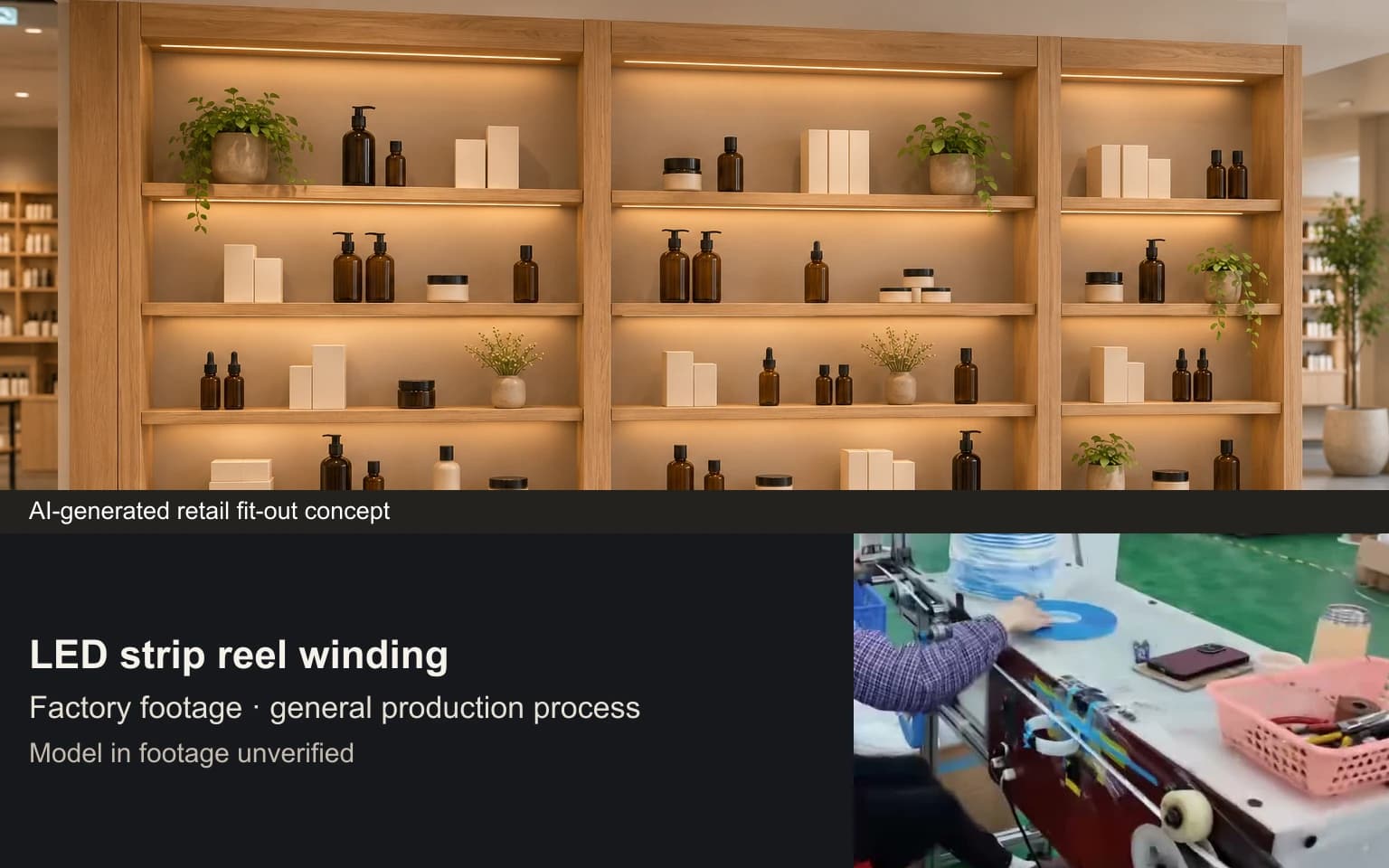
Use an approved mock-up to plan the repeated shelf bays for Noble X57-240-8 configuration 1. Give each bay type an ID and list the number of bays, shelf run lengths, lens orientation and cable exit as seen from the aisle. Include the mock-up reference and joinery drawing revision with the schedule.
Flag any mirrored bay, corner return or shelf with a different service opening. Two bays can share a shelf length and still need opposite lead exits. Mark each difference on the drawing and group bays together only when the mounting and connection details match.
Ask the supplier to confirm the offered lengths and end connections against each bay type. Agree whether strips will be supplied in reels or prepared lengths, who will cut and terminate them, and how the pieces will be identified for installation. Ask for the permitted feed arrangement and check driver access before releasing the order.
Keep the agreed sample reference, colour temperature and drawing revision on the purchase order. If the project needs matching material across adjoining bays, agree how the supplier will identify lots and whether later orders can be matched to the reference.
The retail fit-out is an AI-generated concept. The factory still shows LED strip reel winding as a general production reference. The model on the reel is unverified.
Match the carton label to the X57 packing list
Before dispatching Noble X57-240-8 configuration 1 for a retail fit-out, give each carton an ID and agree how the packing list will count its contents. The catalogue lists 100 m per reel as a packing entry. Confirm the offered length per reel or prepared strip and the number of reels or pieces per carton. Record carton count and total metres in separate fields.
Use the same ID on the outer carton and the packing list. Match that ID to the exact configuration, agreed colour temperature, quantity and unit. For prepared lengths, put the bay reference on each inner pack so installers can find the correct pieces. If agreed leads or connectors ship separately, give them their own list entries and carton IDs.
Before sealing, check that the agreed packing supports the reel or prepared strip and leaves enough clearance around the lens and any leads. Ask for a photo of the inside protection and a readable photo of the outer label. If the purchase order calls for lot records, capture the supplied lot reference before packs are mixed.
At receipt, count the cartons and match their IDs to the packing list before sending them to the installation team. If a carton is crushed, wet or mismatched, photograph the label and condition together. Hold the affected carton until the discrepancy is resolved and release the cartons that pass the check.
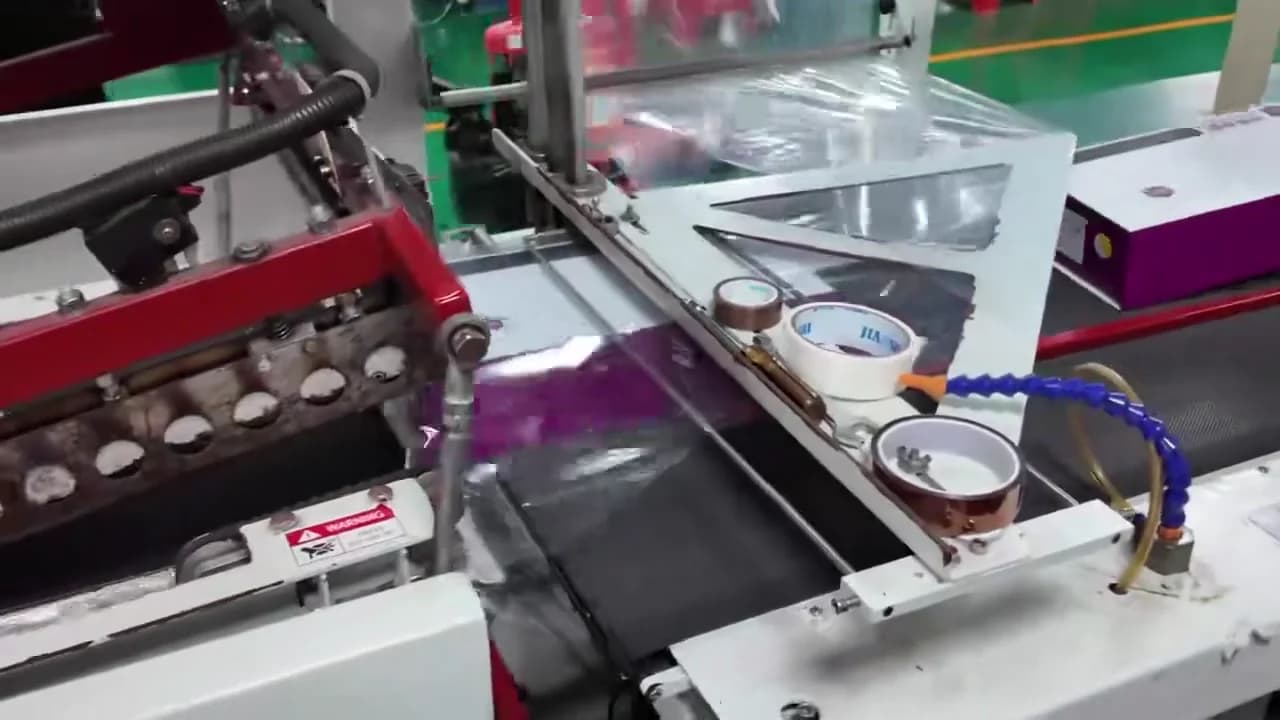
Factory footage shows a general carton film-wrapping operation. The product inside the carton is unverified.
Related Lumseq products
Frequently asked questions
Questions buyers ask
What should I send with the X57-240-8 sample request?
Use the exact configuration link and intended colour temperature. Include the shelf recess dimensions and show where the lead should exit so the supplier can check the finished profile, termination and fit.
Can I use the X57-240-8 catalogue’s 14 W entry to size a driver?
Request the confirmed power per metre for the offered construction and the permitted feed arrangement before sizing the driver. The catalogue entry does not specify its length basis.
Sources and references
Lumseq catalogue – Noble X57-240-8, configuration 1Talk to the product team
Planning an OEM or commercial lighting order?
Send your application, specification and destination market. We will help narrow the product and sample options.
Discuss on WhatsApp