
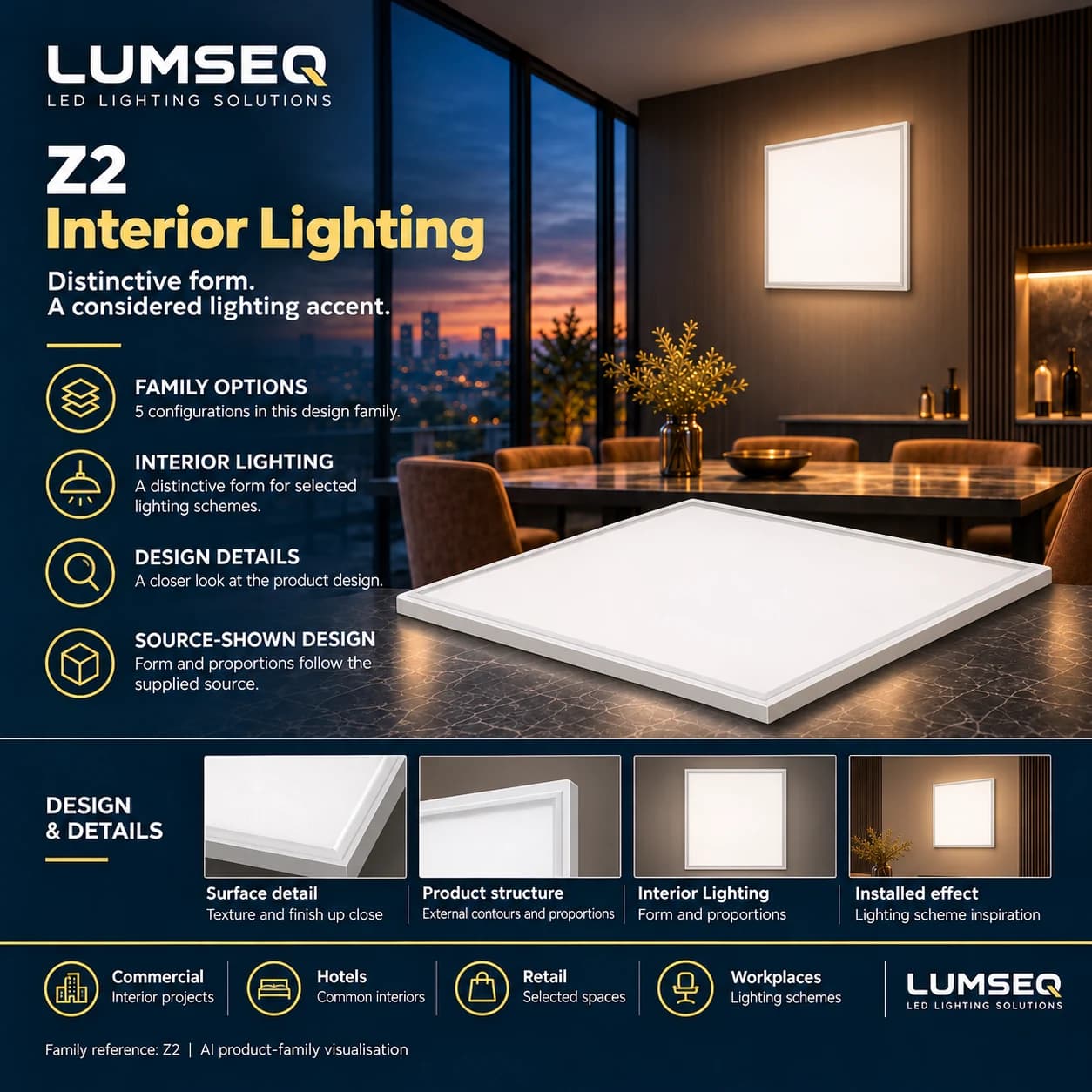
Panel, office & classroom lights
Chuangmei Z2 Ultra-Thin Panel Light
5 listed configurations
View productProduct-family design illustration. Consult the selected configuration's specifications; this is not separate photography of every size, finish or configuration.
Panel, office & classroom lights
Compare the 4 listed configurations for Platinum Diamond M3 Radar Sensor Office Light. The first listed option specifies 30w. Keep each row's model and technical values together, and confirm installation dimensions, electrical input, optics and controls for the offered configuration.
Selected model Platinum Diamond M3 Office LightPlatinum Diamond M3 Office Light · 30w
Opens WhatsApp with your selected model and specification ready to send.
The selected model and its listed parameters are included below. Add your quantity, destination and project requirements before contacting Lumseq.
Copy this text or open WhatsApp to discuss your requirements.
Model information
Each row represents an actual listed configuration. Open its parameters to see the full details.
| Model & configuration | Dimensions | Power / light source | Select a configuration |
|---|---|---|---|
| Platinum Diamond M3 Office LightPlatinum Diamond M3 Office Light · 30w | Confirm with Lumseq | 30w | |
View full parameters for Platinum Diamond M3 Office Light, Platinum Diamond M3 Office Light · 30w
| |||
| Radar Sensor Office Light / 100x1200Radar Sensor Office Light / 100x1200 · 40w | Confirm with Lumseq | 40w | |
View full parameters for Radar Sensor Office Light / 100x1200, Radar Sensor Office Light / 100x1200 · 40w
| |||
| Platinum Diamond M3 Office Light (Square Edge)Platinum Diamond M3 Office Light (Square Edge) | Confirm with Lumseq | Confirm with Lumseq | |
View full parameters for Platinum Diamond M3 Office Light (Square Edge), Platinum Diamond M3 Office Light (Square Edge)
| |||
| Platinum Diamond M3 Office Light (Square Edge)Platinum Diamond M3 Office Light (Square Edge) | Confirm with Lumseq | Confirm with Lumseq | |
View full parameters for Platinum Diamond M3 Office Light (Square Edge), Platinum Diamond M3 Office Light (Square Edge)
| |||
Before you specify
Design & reference
Use the model labels and specifications when checking dimensions and configurations.
Product questions
Platinum Diamond M3 Radar Sensor Office Light has 4 listed configurations: Platinum Diamond M3 Office Light, Radar Sensor Office Light / 100x1200, Platinum Diamond M3 Office Light (Square Edge). Select the complete model option; confirm its own finish, dimensions, power and controls rather than combining entries from different options.
The representative configuration lists Power: 30w. Compare the selected model's own values and confirm installation dimensions, electrical input, optics and controls before specification.
A separate confirmed dimensional field is missing for one or more source rows. Use the retained technical text and request a current drawing. A shared family reference is not separate photography of every supplied size or configuration.
Explore further
Panel, office & classroom lights
5 listed configurations
View product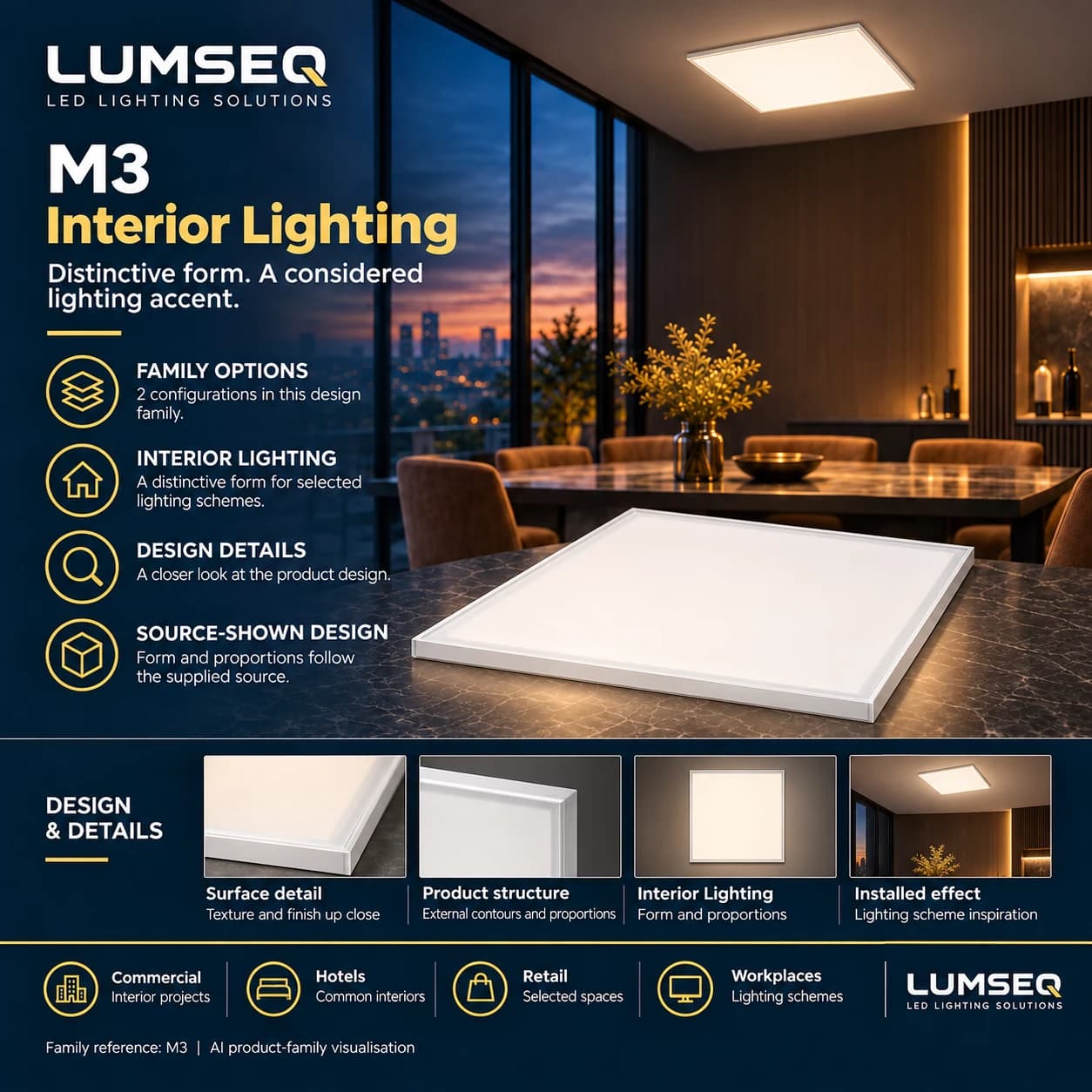
Panel, office & classroom lights
2 listed configurations
View product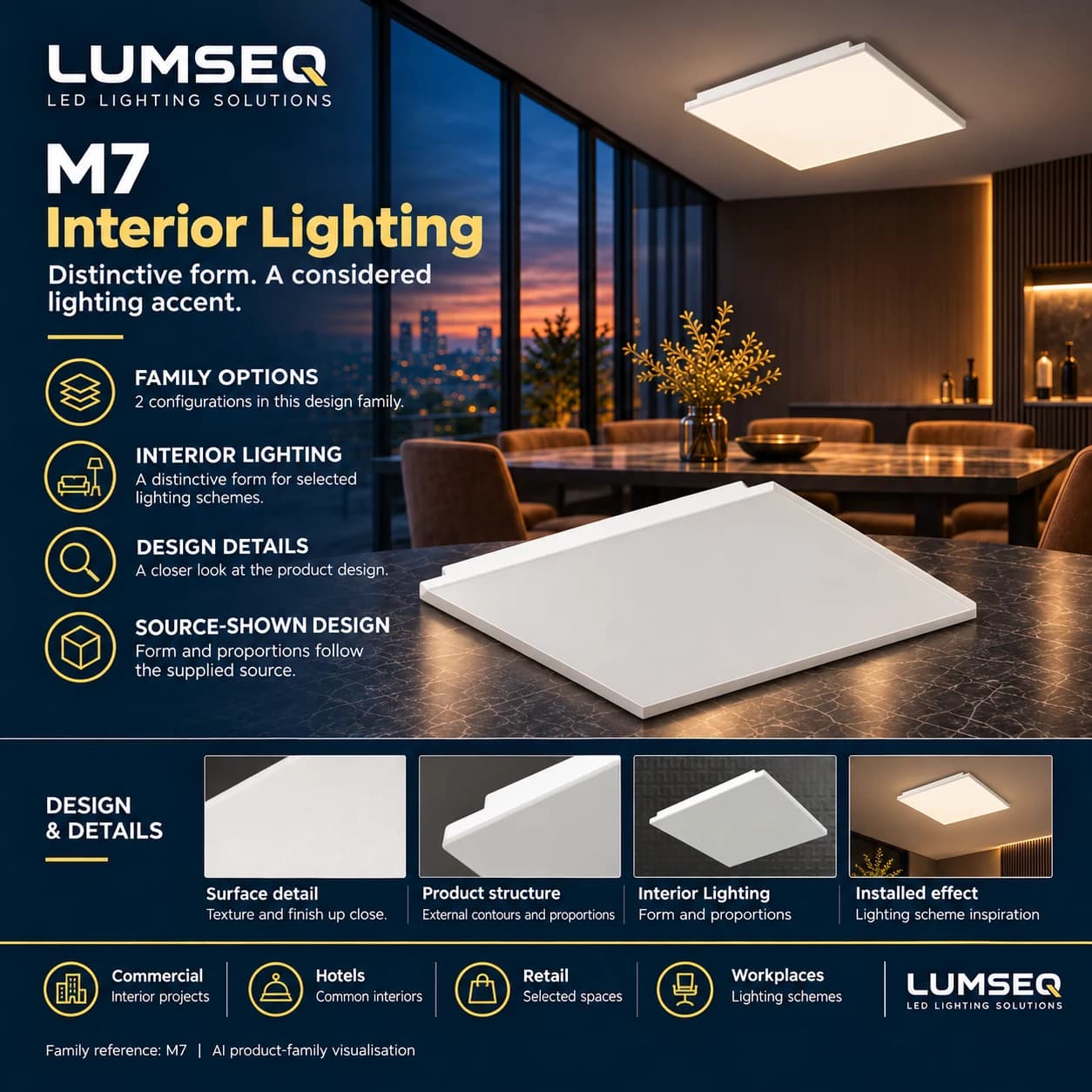
Panel, office & classroom lights
2 listed configurations
View product