
Key takeaways
- Specify what the user does, which light responds and when it turns off before choosing a control module.
- Lumseq lists PIR, hand-wave, touch and door-gating modules at the same nominal dimensions. Confirm the actual bore, mounting depth and connector clearance on the offered part.
- For a two-door cabinet, include all four door states in the quotation and test both opening and closing sequences on the sample.
Start with the action that should turn on the light
Choose a cabinet LED control by deciding what should turn on the light and which section should light up. For enclosed storage, start with the door position. For an open work surface or display, decide whether the user should trigger the light by approaching, waving or touching a control.
Write the desired response in plain language before sending the drawing. For example, “Opening either door turns on the shared cabinet light. It stays on while either door remains open.” The supplier can then explain how the offered control would meet that requirement.
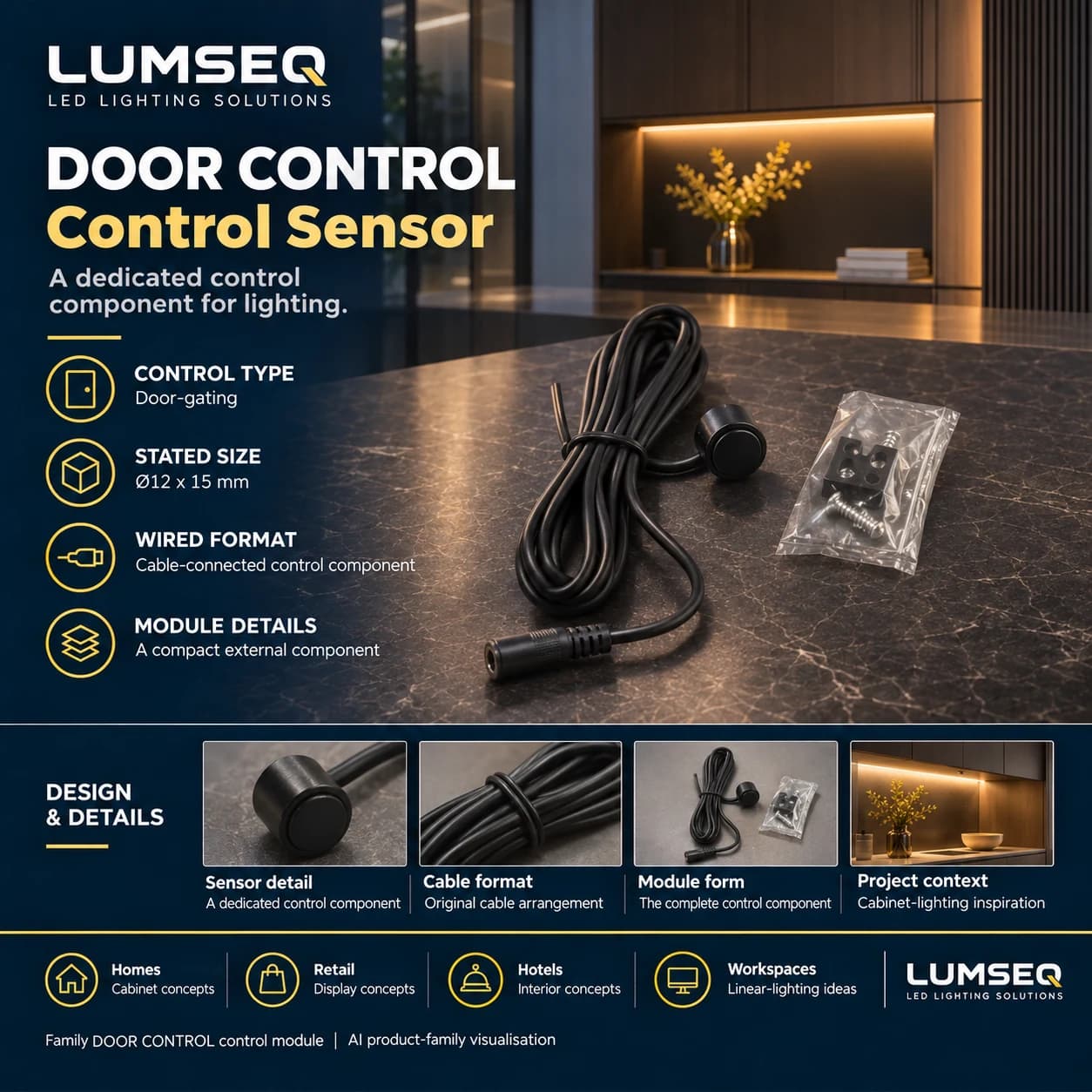
Existing Lumseq AI product-family illustration for the door-control sensor. Confirm the exact configuration, mounting dimensions and included parts from the offered drawing and quotation.
Shortlist the control type against the user’s action
The current Lumseq catalog lists LS0063, LS0064, LS0065 and LS0066 at Φ12 × 15 mm. Use those entries to shortlist candidates. To release the cabinet drawing, request the mounting drawing and check housing clearance, cable exit and access to the connector.
| Required action | Catalog candidate | What to check on the sample |
|---|---|---|
| A user approaches the intended area | LS0063 · Human body (PIR) | Confirm the detection area and hold time. Check whether movement in the adjacent aisle triggers the light. |
| A user waves near the control | LS0064 · Hand-wave | Confirm the gesture distance and whether successive gestures toggle or otherwise change the output. |
| A user touches a defined control point | LS0065 · Touch | Confirm the approved contact surface, mounting method and what a second touch does. |
| A door opens or closes | LS0066 · Door-gating | Confirm the door position that changes the output, the permitted mounting gap and the close-to-off delay. |
Specify all four states for a two-door cabinet
Suppose two doors serve one cabinet. A shared light can be specified to turn on when either door opens. Where each door serves a separate compartment, a buyer may instead require each compartment to follow its own door. The table gives example project requirements for both arrangements.
After checking each steady state, open both doors and close just one. With a shared light, the light should stay on whichever door closes first. With separate lights, verify that the light behind the door you closed turns off after the specified delay and the other light stays on. Record the allowed delay before evaluating either result.
| Left door | Right door | Example: one shared light | Example: two independent lights |
|---|---|---|---|
| Closed | Closed | Off | Left off, right off |
| Open | Closed | On | Left on, right off |
| Closed | Open | On | Left off, right on |
| Open | Open | On | Left on, right on |
Ask for the offered wiring and sample against that requirement
Lumseq lists LS0055 as a single-door module and LS0056 as a double-door module. Ask the supplier to identify the proposed box, sensor heads, driver and light zones on one diagram and confirm the exact output behavior against your four rows. The catalog does not specify the two-door logic, mounting dimensions for these boxes, or compatibility between them and LS0066.
Send the door and compartment layout, fixture or strip load per zone, and the four target states with your quotation request. Ask for the supply voltage, allowable load, wiring/interface, mounting drawing, switching delays and power-restoration behavior for the offered setup. Use the confirmed part numbers and diagram revision on the sample record.
Check the sample in the planned installation
Reproduce the door geometry or the intended touch, wave or approach location as closely as possible. Record expected and observed light states, switching delay and any unexpected activation from adjacent movement or ordinary use. Run the power-restoration check from a state agreed with the supplier. Resolve an unexpected result before freezing the joinery drawing and ordering the batch.
For a quote, send Lumseq your cabinet layout, the control action you want and the light load per zone. For broader room commissioning and strip length decisions, use the guides below.
Frequently asked questions
Questions buyers ask
Can a single-door and double-door box be specified by the number of cabinet doors alone?
Use the number of doors to shortlist a candidate, then specify whether the lights share an output or follow separate doors. Ask for the proposed controller, sensors, wiring diagram and supported state table.
Can four sensor modules with the same published size use the same cabinet hole?
The catalog dimensions are useful for preliminary layout. Verify the bore, tolerance, retaining method, depth and cable access against each offered mounting drawing before machining the cabinet.
Sources and references
LS0063 Human body (PIR)LS0064 Hand-waveLS0065 touch-control moduleLS0066 Door-gatingLS0055 Single-doorLS0056 Double-doorLumseq commercial LED lighting control scheduleTalk to the product team
Planning an OEM or commercial lighting order?
Send your application, specification and destination market. We will help narrow the product and sample options.
Discuss on WhatsApp