
Key takeaways
- A technical submittal package should identify the exact offered product or system and connect every document to that identity.
- Review technical data, drawings, controls, installation limits, maintenance information and destination-market documentation as one approval set.
- Certification logos or a generic test report do not prove that the exact model and market scope are covered; request traceable evidence.
- Record open items, substitutions, revision numbers and approval responsibility before releasing quantity or installation.
- Keep the approved package with the quotation, sample, purchase order and handover records so future replacements can be checked against the same baseline.
1. What is an LED lighting technical submittal package?
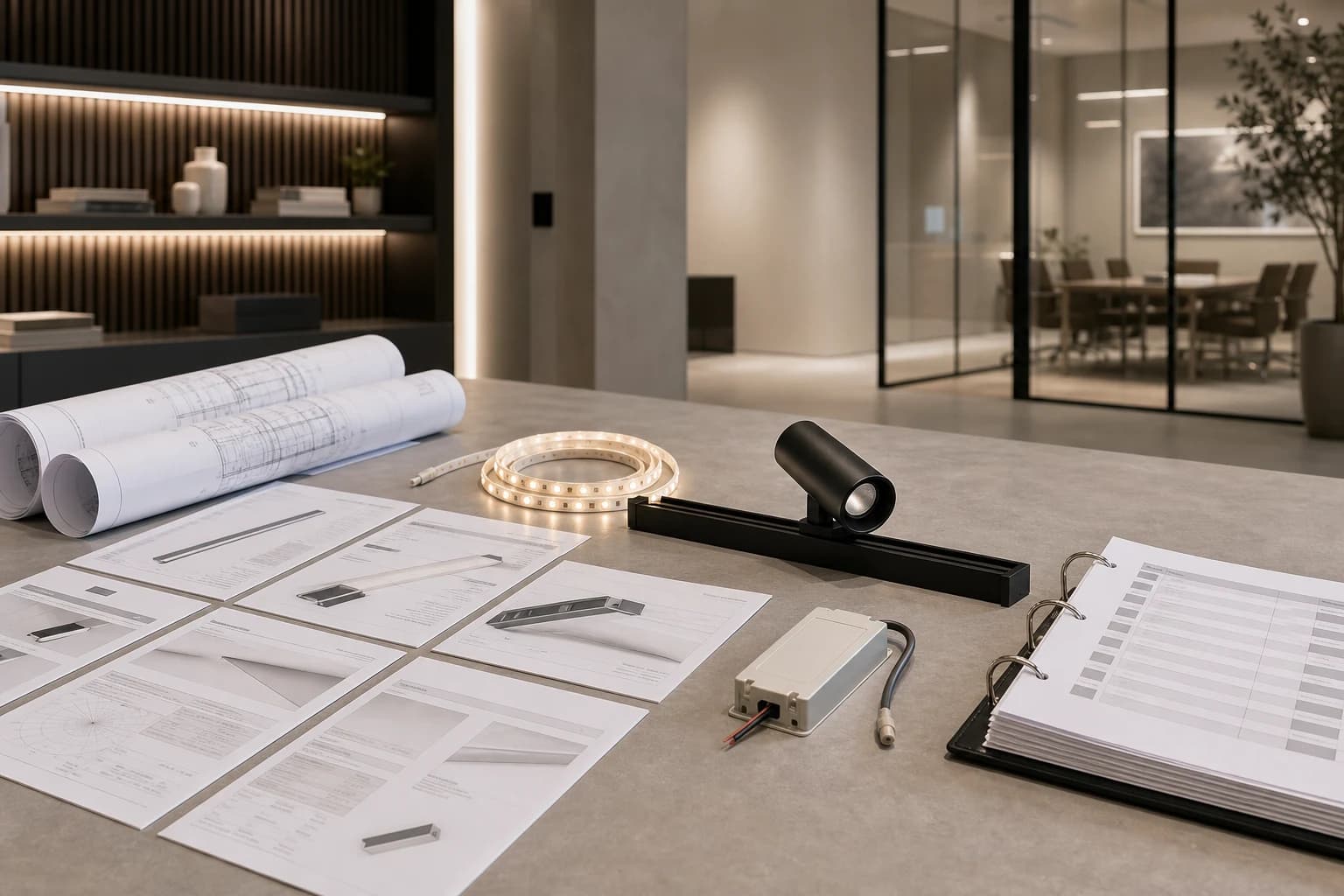
An LED lighting technical submittal package is the controlled set of documents used to review and approve the exact product or lighting system before purchase, installation or substitution. It should connect the model identity, technical data, drawings, controls, installation boundaries, destination-market documentation and revision history.
The package is not simply a catalogue PDF. A catalogue can describe a family, while approval usually depends on one model, one construction, one driver or control arrangement and one intended application. The buyer should be able to answer what is being approved, which evidence supports it, what remains open and which revision governs the order.
| Package section | Minimum record | Approval question |
|---|---|---|
| Identity | Exact model, revision, family, finish and configuration | Is the document tied to the offered item? |
| Technical data | Electrical, optical, mechanical and environmental fields supported by current documents | Are the required project fields present? |
| Drawings | Dimensions, cut-outs, interfaces, mounting and access | Can the installer build and service it? |
| Controls | Driver, dimming, protocol, zones, settings and interfaces | Will the complete system operate as specified? |
| Compliance | Exact product and market evidence with scope | Does the evidence cover this model and destination? |
| Revision | Issue date, changes, open points and approver | Which version governs procurement? |
2. Start with model identity and configuration
Put the exact model or system reference at the top of every schedule and drawing. Add the configuration that changes the approval decision, such as voltage, wattage, CCT, CRI, density, optic, beam, finish, IP construction, track interface, driver or control version when those fields apply to the selected product.
Avoid approving a family name while the quotation, sample and drawing use different codes. A document set can look complete and still describe multiple variants. Link the approved sample, quotation line, drawing and technical data to one controlled identity.
3. Review technical data, drawings and installation boundaries
Check that the submittal contains the technical fields needed for the application, not only marketing output claims. Depending on the product, this may include input and output conditions, rated load, optical distribution, dimensions, cut-out or profile fit, wiring, environment, access and maintenance requirements. Only accept fields supported by the current product document.
Drawings should show the interfaces that affect installation: mounting, clearances, connectors, feeds, driver location, control wiring, removable parts and access. For a lighting system, a luminaire drawing alone may not define the driver, track, profile, controller or power feed that makes the assembly work.
Record boundaries explicitly. An indoor document does not automatically approve an outdoor location; a sample photograph does not prove a rating; and a stated family feature does not prove the exact configuration. Ask the supplier or responsible designer to close any application-specific gap.
| Review area | Check | Do not assume |
|---|---|---|
| Electrical | Input, output, load, driver, wiring and control conditions | A larger driver fixes every system mismatch |
| Optical | CCT, CRI, optic, beam or distribution fields required by the brief | A product family label proves the requested result |
| Mechanical | Dimensions, mounting, cut-out, interface and access | A similar size will fit the same detail |
| Environment | IP construction, ambient and installation boundary | One rating applies to every configuration |
| Maintenance | Cleaning, inspection, removal and replacement route | A sealed or inaccessible assembly is serviceable |
4. Treat controls and system interfaces as approval documents
Controls are part of the technical submittal when the product is dimmed, zoned, addressed or integrated with a building system. Request the complete chain: driver or supply, controller or interface, wiring and terminals, zone or channel allocation, settings, scene expectations and recovery behaviour.
A luminaire can pass a simple power-on check and still fail the intended control task. Test the proposed combination with representative components and record the approved configuration. Do not describe compatibility as universal when it has only been shown for one model or setup.
- Identify the exact driver, controller, protocol or interface where applicable.
- Map zones, channels, addresses, scenes and operating states.
- Record wiring, terminals, polarity or channel order when relevant.
- Test start-up, normal operation, low level, shutdown and recovery.
- Retain the approved settings and the person responsible for commissioning.
5. Check certification and destination-market evidence carefully
Treat certification and compliance evidence as product- and market-specific. A logo on a brochure or a report without a clear model, revision, issuer, scope and destination does not close the approval question. Request the exact evidence required by the project and market, then record what it covers and what it does not cover.
Lumseq's public certification set includes CE, RoHS, UL, ETL, FCC and ERP, but coverage must be confirmed for the selected product or family and destination market. This article does not claim that every Lumseq product carries every certification.
| Evidence field | Record | Boundary |
|---|---|---|
| Product scope | Exact model or family and revision | Generic brand evidence may be insufficient |
| Market scope | Destination and applicable requirement | A document for one market may not close another |
| Issuer | Laboratory, certification body or responsible document owner | Unattributed screenshots are not traceability |
| Status | Issue date, validity or revision where applicable | Old evidence may not match the offered revision |
6. Close revisions, substitutions and open items
Use a submittal register with document title, model reference, revision, date, status, reviewer, comments and response. Mark each item as approved, approved with comment, rejected, superseded or pending. Do not release quantity while a change that affects electrical, optical, mechanical, compliance or control performance is unreviewed.
When a substitution is proposed, compare it against the approved baseline rather than accepting a similar photograph or description. Update the sample, quotation, schedules, drawings and evidence references together. Keep the final approved package for installation, handover and future replacement decisions.
| Status | Meaning | Buyer action |
|---|---|---|
| Approved | Required evidence reviewed for the defined scope | Freeze the revision in the order |
| Approved with comment | Use is conditional on recorded closeout | Assign owner and due date |
| Pending | Evidence or response is incomplete | Do not treat as release approval |
| Superseded | Replaced by a newer controlled issue | Remove from active procurement pack |
7. Final technical submittal checklist
Before approval, close the following records and keep them with the purchase and project file.
- Exact model, configuration and revision match across quotation, sample, drawings and data.
- Electrical, optical, mechanical and environmental fields required by the application are documented.
- Driver, control, wiring, zones, settings and commissioning responsibility are defined.
- Installation, access, cleaning, inspection and replacement boundaries are recorded.
- Certification or compliance evidence states exact product and destination-market scope.
- Open items, substitutions, revision status, approver and release date are traceable.
Frequently asked questions
Questions buyers ask
What documents are normally included in an LED lighting submittal?
A useful package normally includes the exact model schedule, current technical data, dimensional and installation drawings, driver and control information, maintenance boundaries, applicable compliance evidence and a revision or comment register. The required scope depends on the product and destination market.
Is a catalogue PDF enough to approve an LED lighting product?
Usually not. A catalogue may describe a family and omit the exact configuration, interface, installation boundary or market evidence needed for approval. Link the approval to the offered model, sample and current documents.
Can a CE, UL or other logo prove compliance for every product?
No. Confirm the exact product or family, revision, issuer, destination market and scope. Lumseq's public certification set is product- and market-specific, so coverage must be checked for the selected item.
When should a lighting substitution be re-submitted?
Re-submit when the change can affect electrical, optical, mechanical, environmental, control or compliance performance. Compare the proposed item with the approved baseline and update the affected documents together.
Talk to the product team
Planning an OEM or commercial lighting order?
Send your application, specification and destination market. We will help narrow the product and sample options.
Discuss on WhatsApp